
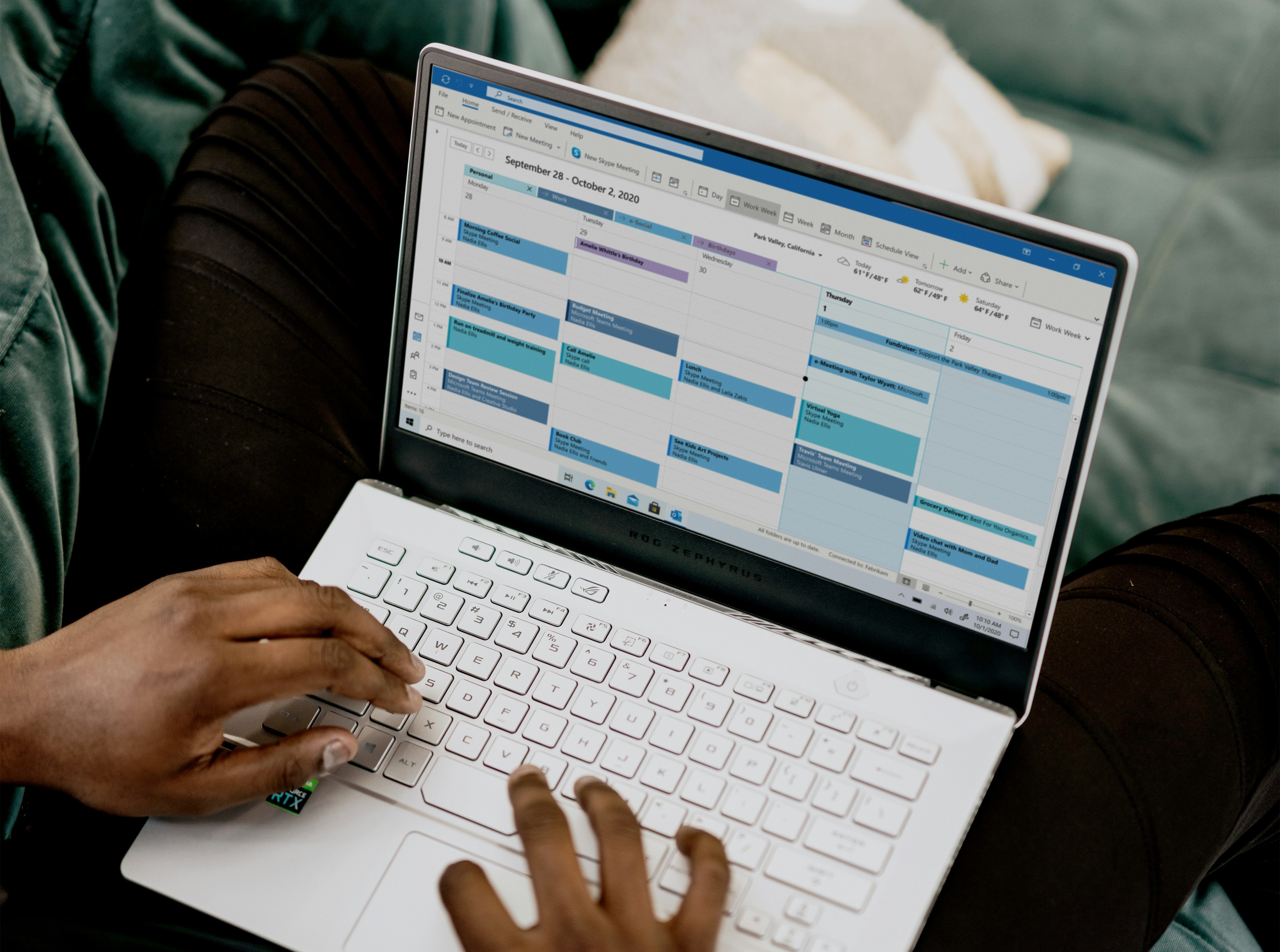
Connect Your Calendar
Connect your Google and Microsoft calendars to prevent double bookings and keep your availability accurate.
23 Jun 2026 · by Peter Grillet
Connecting your calendar ensures calendr only offers times when you are actually available.
To connect your calendar:
- Go to Profile Settings.
- Open the Calendar Connections section.
- Click Connect Calendar.
- Choose your provider (for example Google or Microsoft).
- Sign in and approve access.
- Select which calendar(s) calendr should check for busy times.
- Save your settings.
After connecting, calendr will automatically block unavailable times based on your existing events, helping you avoid booking conflicts.
Tip:
If your availability looks wrong, check your connected calendar list and confirm the correct calendar is selected for conflict checking.
Related help articles
Connect multiple calendars
https://www.loom.com/share/14fbdf832c2e4307bbc07725e6908151 Connect multiple Google or Microsoft calendars to prevent scheduling conflicts across your work and personal commi...
How Admins Can Update Colleague Profiles
Admins can edit core profile details, role, timezone, and weekly availability for colleagues in their firm, with a few important limits.
What You Can Do in Profile Settings
Profile Settings is your control center for your personal details, booking defaults, availability, and calendar behavior.