

Notion integration
Notion integration that turns bookings into follow-up pipeline
Notion integration lets growing teams send confirmed bookings and qualifying form submissions into Notion contacts and deals databases — so prospects show up on the boards you already use for follow-up, without manual copy and paste after every call.
The operating problem
Scheduling and pipeline tracking should not be separate admin jobs
Many teams run prospect follow-up in Notion — contacts in one database, opportunities in another, linked by a relation column. The meeting gets booked in calendr.so, then someone retypes the name, email, and meeting context into Notion so the rest of the team knows what to do next.
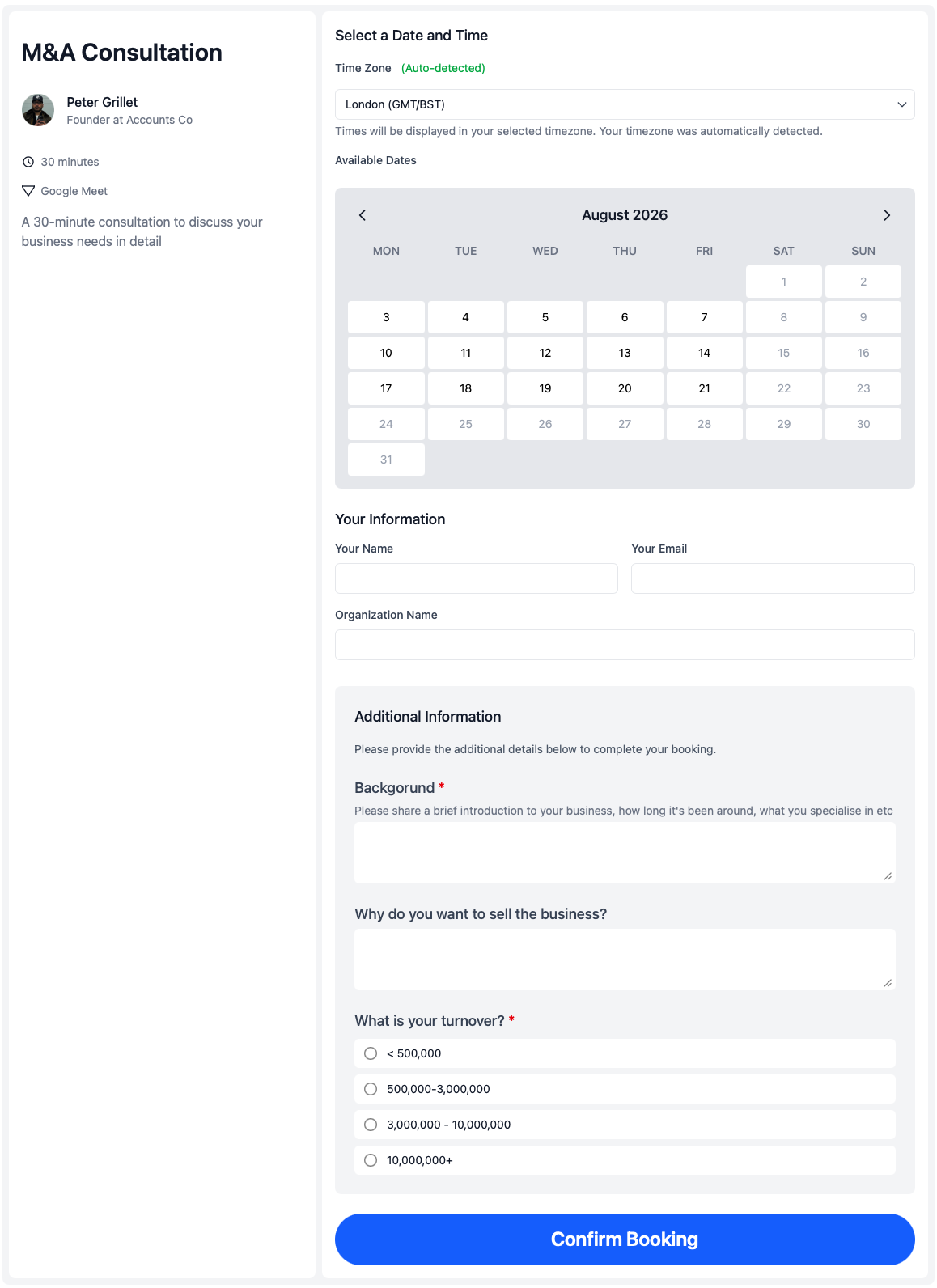
That gap is where follow-up slips. The Notion integration keeps intake inside the booking flow your prospects already use, while booking forms and qualifying forms still collect the details you need before or during scheduling.
How it works
Connect once, then configure each meeting type or form
Authorise Notion at firm level, refresh your database list, then choose which contacts and deals databases each event type or qualifying form should update when someone submits.
Connect Notion once
A firm admin authorises calendr.so to access the workspace, then refreshes the list of shared Notion databases.
Pick databases per form
Each event type or qualifying form can target different contacts and deals databases — useful when teams run separate pipelines.
Match or create contacts
calendr.so finds existing Notion contacts by email before creating a new row, so repeat bookings stay tied to the same person.
Create linked deals
A deal or opportunity row is created in your chosen deals database, linked to the contact through your Notion relation property.
Pipeline setup
Works with the Notion CRM structure you already built
If you already use a contacts database and a separate deals or opportunities database, calendr.so fits that pattern. Choose the relation column on your deals board — such as Contact Name — and new submissions create both sides of the link automatically.
Standard Notion property types map without extra setup: title, email, phone, date, select, and rich text fields are detected from your database schema when you refresh databases in integration settings.
Where teams use it
From first touch to booked meeting in one Notion pipeline
Inbound sales and demos
Route prospects through sales scheduling pages, then drop confirmed meetings into Notion as linked contact and deal records your team can work from the same day.
Qualify before booking
Use qualifying forms to capture fit and context first. When someone submits, calendr.so can create the Notion contact and deal even if they have not picked a time yet.
Shared team booking pages
Combine Notion sync with round robin scheduling or multi-host booking so routing stays in calendr.so and follow-up stays in Notion.
Works with calendr.so
CRM sync inside a broader scheduling workflow
Notion integration sits alongside the scheduling features teams already use in calendr.so. Team management helps admins roll out consistent booking pages, while branded booking pages keep prospect links on-brand.
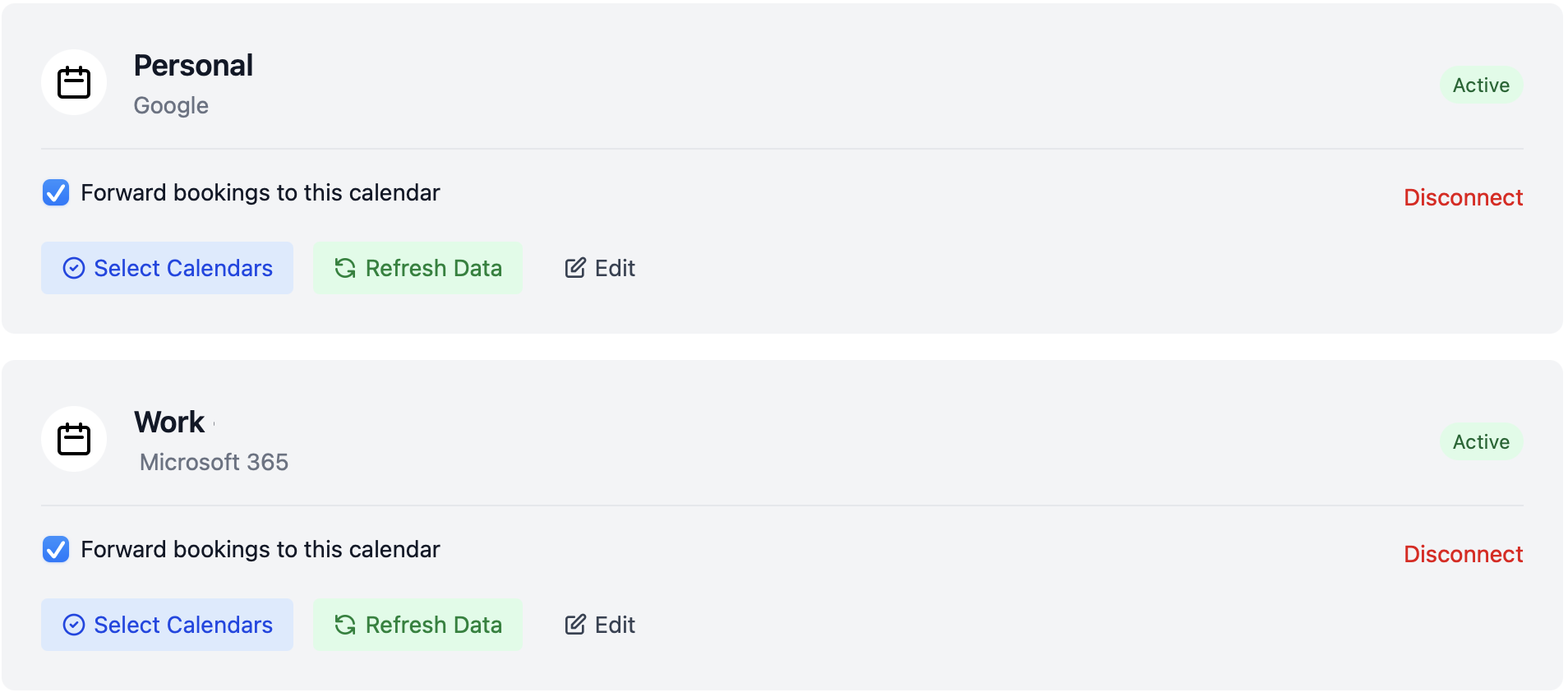
Calendar connections through Google Calendar and Microsoft Outlook still handle availability and invites — Notion sync runs after the booking or form is submitted. See the full integrations overview for calendar, video, and AI assistant connections.
Getting started
Connect Notion in a few firm-admin steps
Share your databases with Calendr in Notion, connect the workspace in calendr.so, then map each booking page or qualifying form to the right boards.
1. Share databases in Notion
Open your contacts and deals databases in Notion, then add the Calendr connection under Connections so both boards are visible to the integration.
2. Connect and refresh
In calendr.so, go to Settings → Integrations → Notion, authorise your workspace, and click Refresh databases to load your schema.
3. Configure each form
On each event type or qualifying form, choose the contacts database, deals database, and relation property — then submit a test booking to verify the sync.
Frequently asked questions
- What does the Notion integration do in calendr.so?
- The Notion integration connects your calendr.so firm to a Notion workspace. When someone confirms a booking or submits a qualifying form, calendr.so can create or match a contact in your Notion contacts database and create a linked deal or opportunity in your Notion deals database.
- Can calendr.so link a Notion deal to a contact automatically?
- Yes. On each event type or qualifying form, you choose the contacts database, deals database, and the relation property that links them — for example Contact Name. calendr.so creates or finds the contact first, then creates the deal with that relation filled in.
- Which booking data is sent to Notion?
- calendr.so maps invitee name, email, phone, organisation, meeting or submission date, and the event type or form name into matching Notion property types on your databases. You configure which databases to use on each booking page or qualifying form.
- Will calendr.so create duplicate contacts in Notion?
- Before creating a contact, calendr.so looks for an existing Notion contact with the same email address. If one exists, it links the new deal to that record instead of creating a duplicate.
- Do qualifying forms work with the Notion integration?
- Yes. Qualifying forms can use the same Notion database settings as event types, so early-stage prospects can land in your Notion pipeline before they book a meeting.
- How do teams set up the Notion integration?
- A firm admin connects Notion under Settings → Integrations, refreshes the database list after sharing contacts and deals databases with Calendr in Notion, then selects those databases on each event type or qualifying form.
Client-facing team experience
Trusted by teams that need booking and follow-up in one flow
From sales demos and CS handoffs to founder-led discovery — teams use calendr.so to capture meetings and keep prospect records moving without extra admin.
"calendr.so makes it easy for customers to book with the right CSM or sales person — round robin and shared team pages mean handovers happen without chasing links or waiting on replies."

"Standardising our meeting types and having booking reports in one place has dramatically saved time. We spend less time coordinating calendars and more time in conversations that matter."

"We rolled calendr.so out quickly — Google Calendar sync, team booking pages, and multi-host meetings worked out of the box without a heavy IT project or custom integration."

"Booking reports give me a firm-wide view of what is actually being scheduled — by person and meeting type — without exporting calendars. That's the oversight a growing team needs."

"Booking forms on our consultation pages collect the briefing details we need before a call — clients book in one step and our team shows up prepared instead of spending the first ten minutes on basics."


Connect bookings to your Notion pipeline
Start your 14-day free trial and send confirmed bookings and qualifying form submissions into Notion contacts and deals databases.
No credit card required