

For customer support teams
Customer Support Scheduling Software
calendr.so helps support teams turn the moments that need a real conversation into clear booking flows: urgent issue calls, product feedback, customer research, and handoffs to the right internal person.
Booking Forms - Multi-host Booking - Round Robin
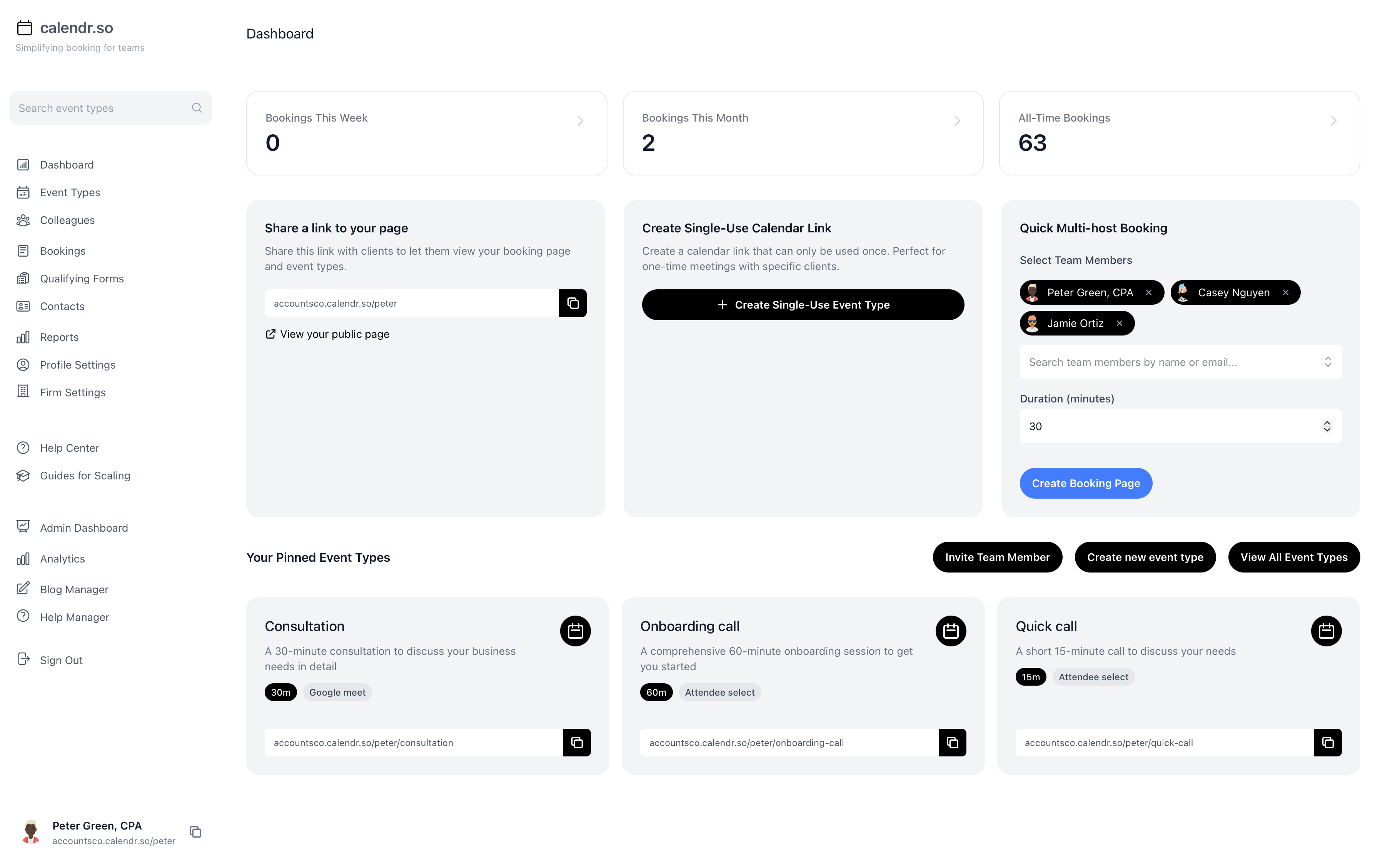
Not every support issue should stay in the queue
Most customer questions should be handled asynchronously. A booked meeting only makes sense when the customer is stuck, the issue is expensive to misunderstand, or the conversation can teach the team something important about the product, process, or market.
The problem is that these calls often happen informally. Someone sends a personal calendar link, another person asks product to join, the customer repeats the same context twice, and the follow-up depends on who remembered to write it down. calendr.so gives each support moment its own booking flow so the right person joins with enough context and the customer knows what happens next.
If your team already owns onboarding, reviews, or renewal-risk conversations, this page should sit beside your wider customer success scheduling process rather than replacing it.
Use cases
Support conversations worth turning into booking flows
A support team does not need one generic call link. It needs different meeting types for different jobs, with the right context, availability, and ownership around each one.
Urgent issue-resolution calls
Give stuck customers a controlled way to book time when a written reply will not unblock them quickly enough.
Product issue feedback
Use a dedicated flow when a customer keeps hitting the same blocker and the team needs to understand the workflow behind the ticket.
Customer research interviews
Book structured conversations for market research, persona building, and learning how customers actually use the product or service.
Escalation calls
Bring support, success, product, or a technical specialist into the same meeting when the customer needs a joined-up answer.
Reproduce-the-issue sessions
Collect context before the call, then use the meeting to walk through the problem instead of guessing from a thread.
Post-resolution feedback
After a difficult issue is resolved, book a short follow-up to learn what created friction and what would have made the experience easier.
Account-risk conversations
Use single-use links for sensitive calls where the customer is frustrated, the relationship matters, and the meeting should not become a reusable support link.
Onboarding rescue calls
When a customer gets stuck early, offer a specific troubleshooting or setup call instead of letting the first experience become a support backlog.
Support-to-product handoffs
Create a clear path for recurring customer issues to reach product without relying on an ad hoc Slack message or forwarded ticket.
How calendr.so fits
Support calls work better when the booking flow matches the job
The tool should not replace your support process. It should make the high-value customer conversations easier to book, route, and prepare for.
Issue resolution
Give stuck customers a direct path to the right call
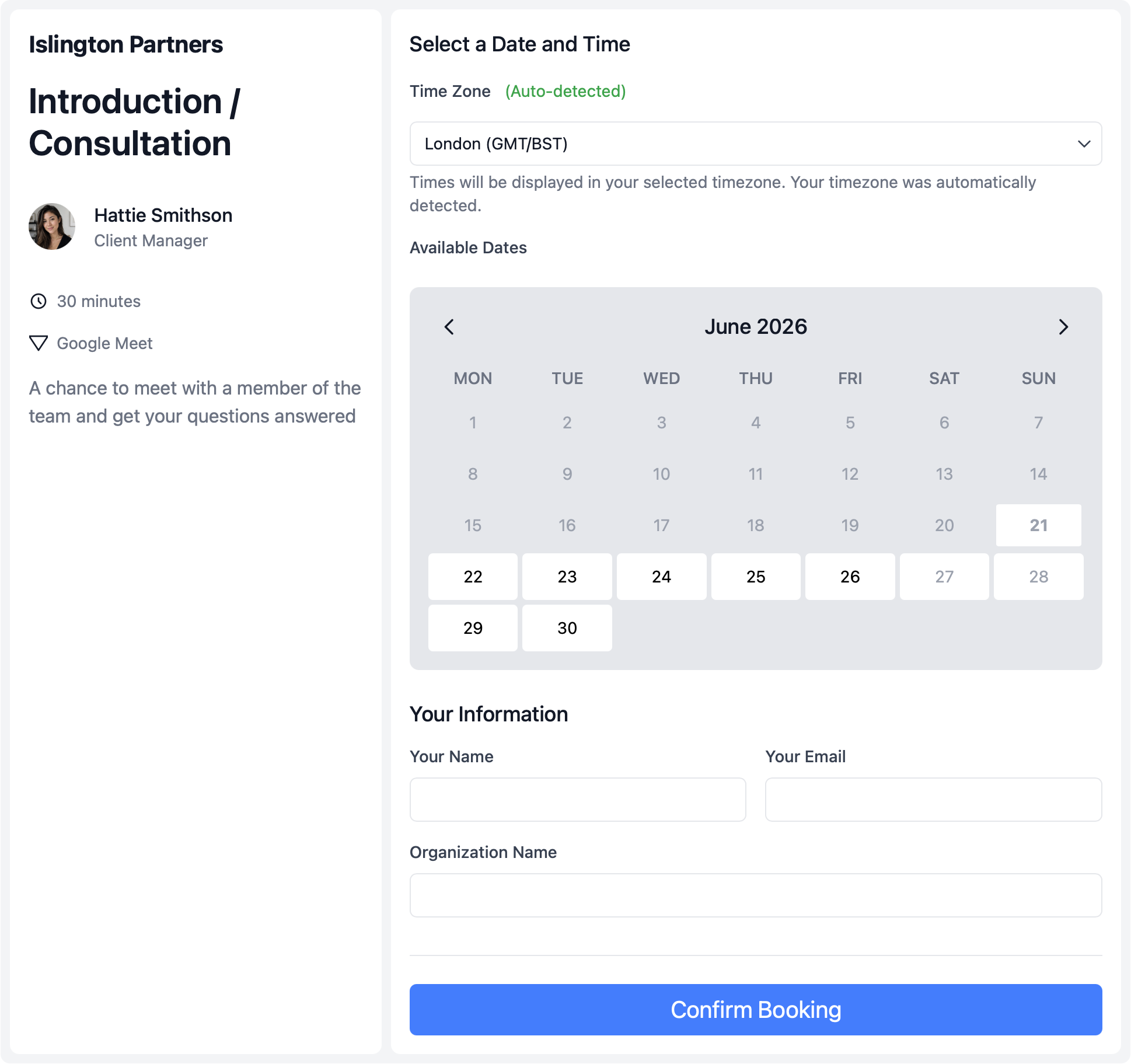
When the customer is blocked, the meeting needs structure. A useful support booking flow explains what the call is for, collects enough context first, and protects the team's calendar so urgent calls do not swallow the whole week.
- Collect the issue before the meeting.
- Use booking forms to ask for the affected workflow, urgency, account context, and what the customer has already tried.
- Protect support availability.
- Set booking windows, buffers, and meeting-specific hours so customers can get help without opening every support calendar all day.
- Keep the flow resilient.
- Use fallback scheduling options when a customer should not hit a dead end because the original support owner is unavailable.
Feedback and research
Turn recurring support pain into useful customer insight
The best support conversations are not only about closing the ticket. They can show the team where customers misunderstand the product, what language they use for the problem, and which customer profiles need a different onboarding or education path.
- Separate feedback from troubleshooting.
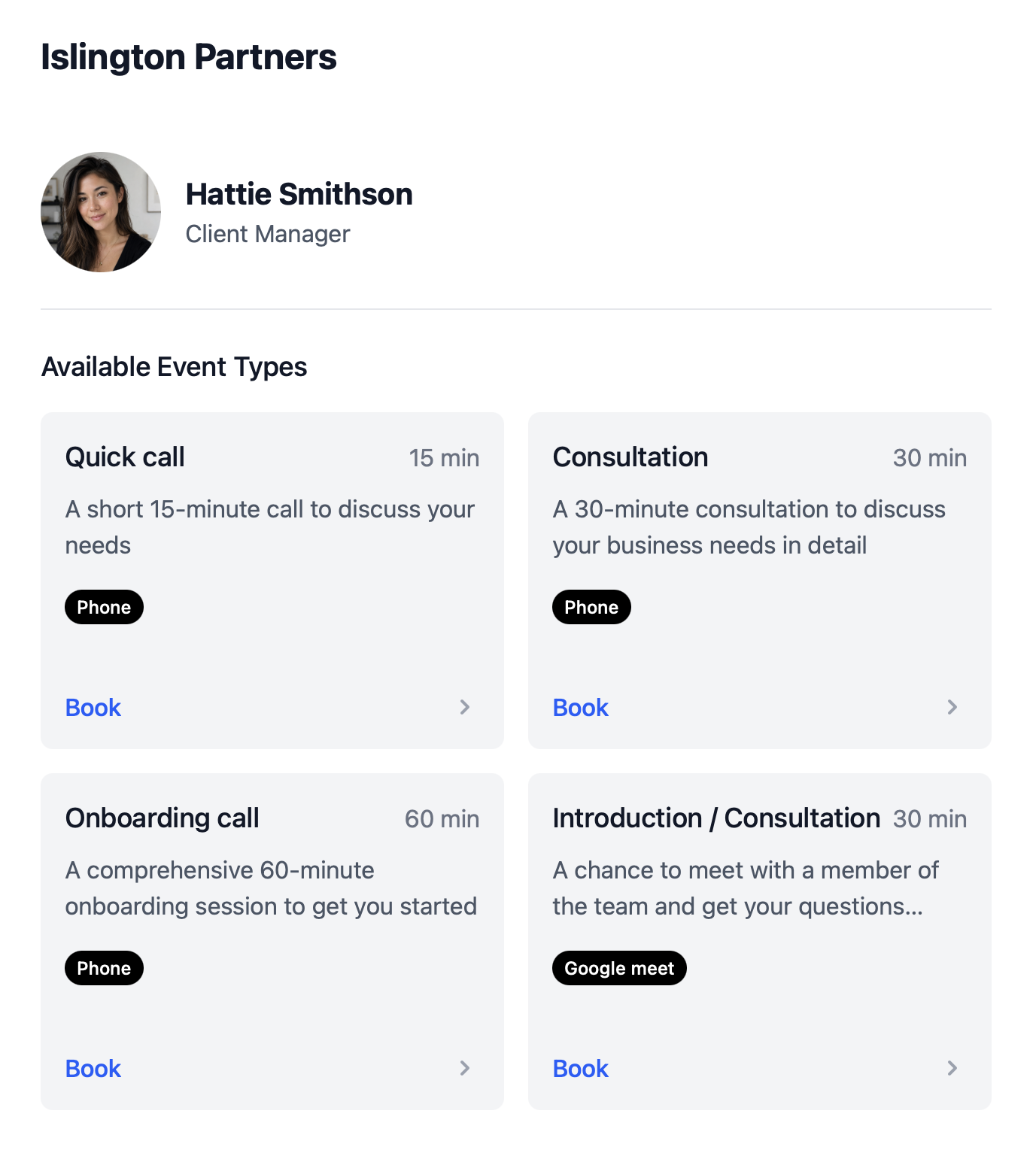
- Create product feedback calls with their own questions instead of forcing every customer conversation through the same support link.
- Learn from the right customer segments.
- Use research booking pages for persona calls, market research, and post-resolution feedback when the conversation is about learning, not fixing.
- Connect stuck customers back to onboarding.
- If the same issue appears early in the journey, pair support calls with a clearer client onboarding scheduling process.
Escalations
Bring the right internal people into sensitive customer calls
Some support calls need a joined-up answer. The customer should not wait while your team coordinates internally, and they should not receive a reusable link that keeps circulating after a sensitive issue is resolved.
- Check every required calendar at once.
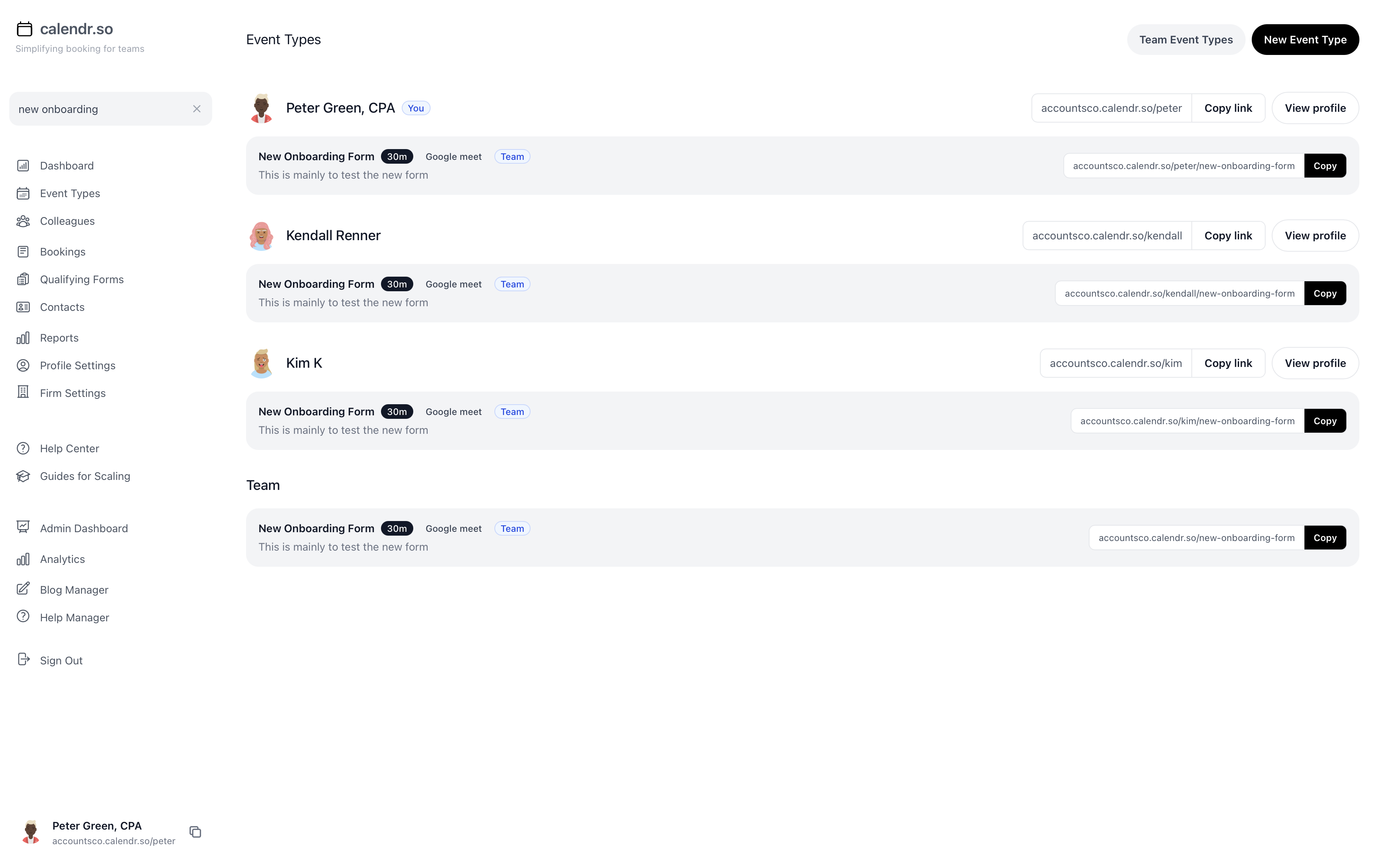
- Use multi-host booking when support, product, success, or a technical specialist need to join the same customer call.
- Use controlled links for sensitive situations.
- Send single-use booking pages for account-risk conversations, founder follow-ups, or escalations where the link should close after the customer books.
- Share load across the team.
- Use round robin scheduling for support meeting types that can be handled by any available person on the right team.
Build a support meeting process before the queue teaches customers to wait
The goal is not to push every customer into a meeting. The goal is to know which support moments deserve a call, who should own that call, what context should be collected first, and what happens afterwards.
Start with three meeting types: urgent issue-resolution, product feedback, and customer research. Give each one a clear owner, length, booking form, and availability window. Once those work, add escalation, account-risk, and post-resolution feedback calls where the team needs more structure.
Frequently asked questions
- Is calendr.so a customer support platform?
- No. calendr.so is not a help desk, live chat, or ticketing platform. It helps with the booking layer around customer support: escalation calls, stuck-customer sessions, product feedback, research interviews, and follow-up meetings.
- Can support teams collect issue details before a meeting?
- Yes. Booking forms let you ask for the issue, account context, urgency, affected workflow, and what the customer has already tried before the call starts.
- Can we route support calls across a team?
- Yes. Round robin scheduling can distribute certain meeting types across available team members, while multi-host booking can include support, product, success, or a technical specialist when the situation needs more than one person.
- Can we create one-off links for sensitive support situations?
- Yes. Single-use booking pages are useful for urgent escalations, account-risk conversations, or high-context customer calls where you do not want the same link reused later.
Create support booking flows for the conversations that matter
Use calendr.so to book urgent support calls, product feedback sessions, research interviews, and escalations with the right context in place.
No credit card required