

For small businesses
Appointment Scheduling Software for Small Businesses
Appointment scheduling software should do more than let one person share a calendar link. For a growing small business, it should help clients book the right meeting, collect context before the appointment, route enquiries as the team grows, and show owners what is actually being booked.
calendr.so helps founders, consultants, and small business teams turn enquiries into booked appointments with booking forms, round robin scheduling, multi-host booking, and booking reports.
calendr.so · Event types search
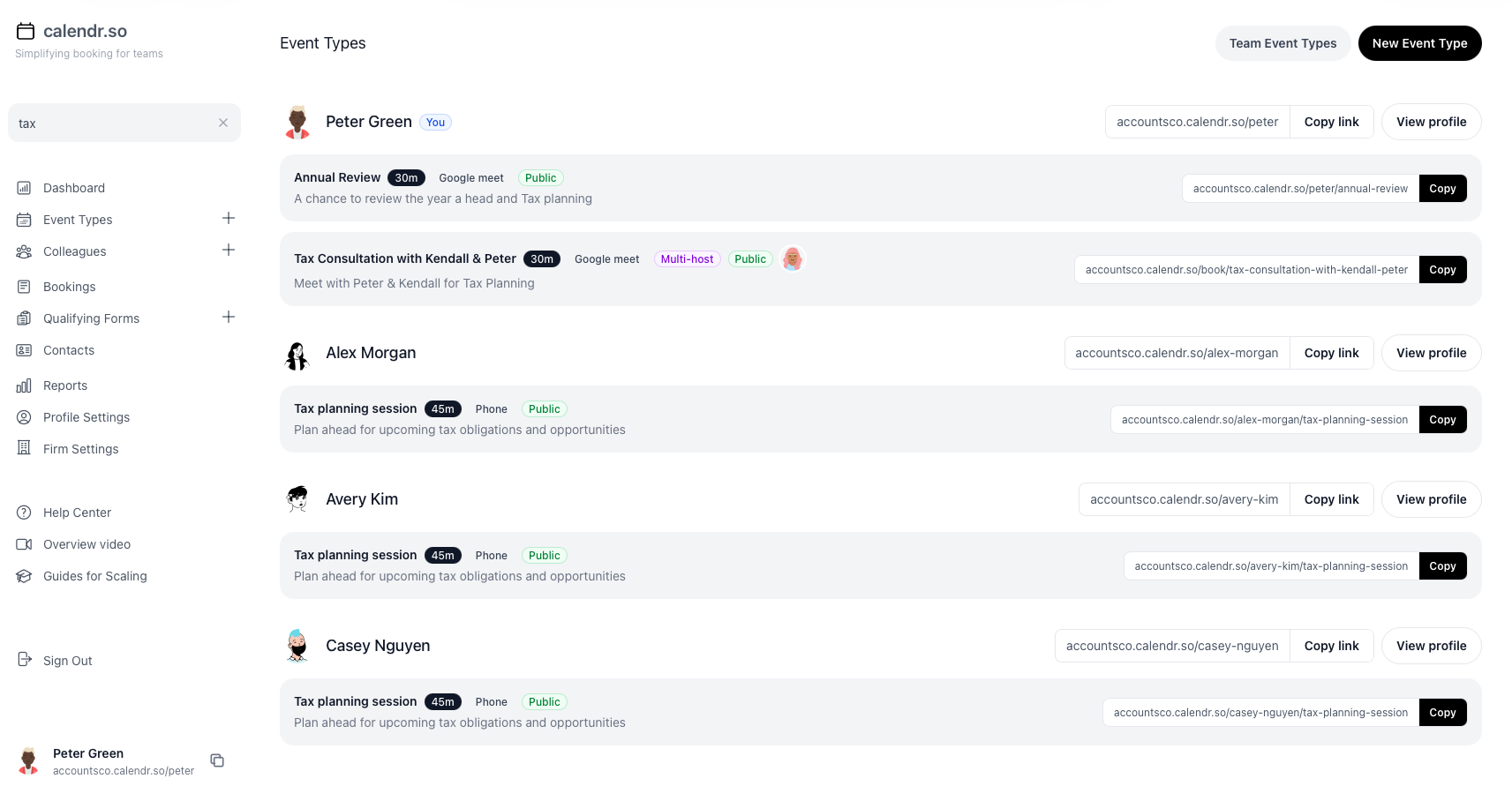
What is appointment scheduling software for small business?
Appointment scheduling software helps small businesses let clients and prospects book meetings online without manually checking calendars, chasing replies, or rebuilding the same booking process for every enquiry.
For a solo operator, that might mean one professional booking page. For a growing team, it usually needs booking forms, availability controls, round robin routing, multi-host appointments, calendar sync, and booking reports.
When manual scheduling stops working for small businesses
Spreadsheets, shared inboxes, and one personal booking link work for a while. They usually break once enquiries, staff, and appointment types all increase.
- — Clients wait for email replies while interest drops
- — Every enquiry lands on the owner or one shared inbox
- — Teams chase intake details after the appointment is booked
- — Multi-person meetings need manual calendar comparison
- — Owners cannot see which booking pages or staff drive appointments
- — Old links keep routing to people who have left the business
calendr.so is built for small businesses that need controlled booking workflows — not just another link. Use fallback options when staff change, and booking software for small business when the customer-facing reservation experience matters most.
For owners and ops leads
See what your team is booking, not just what is on the calendar
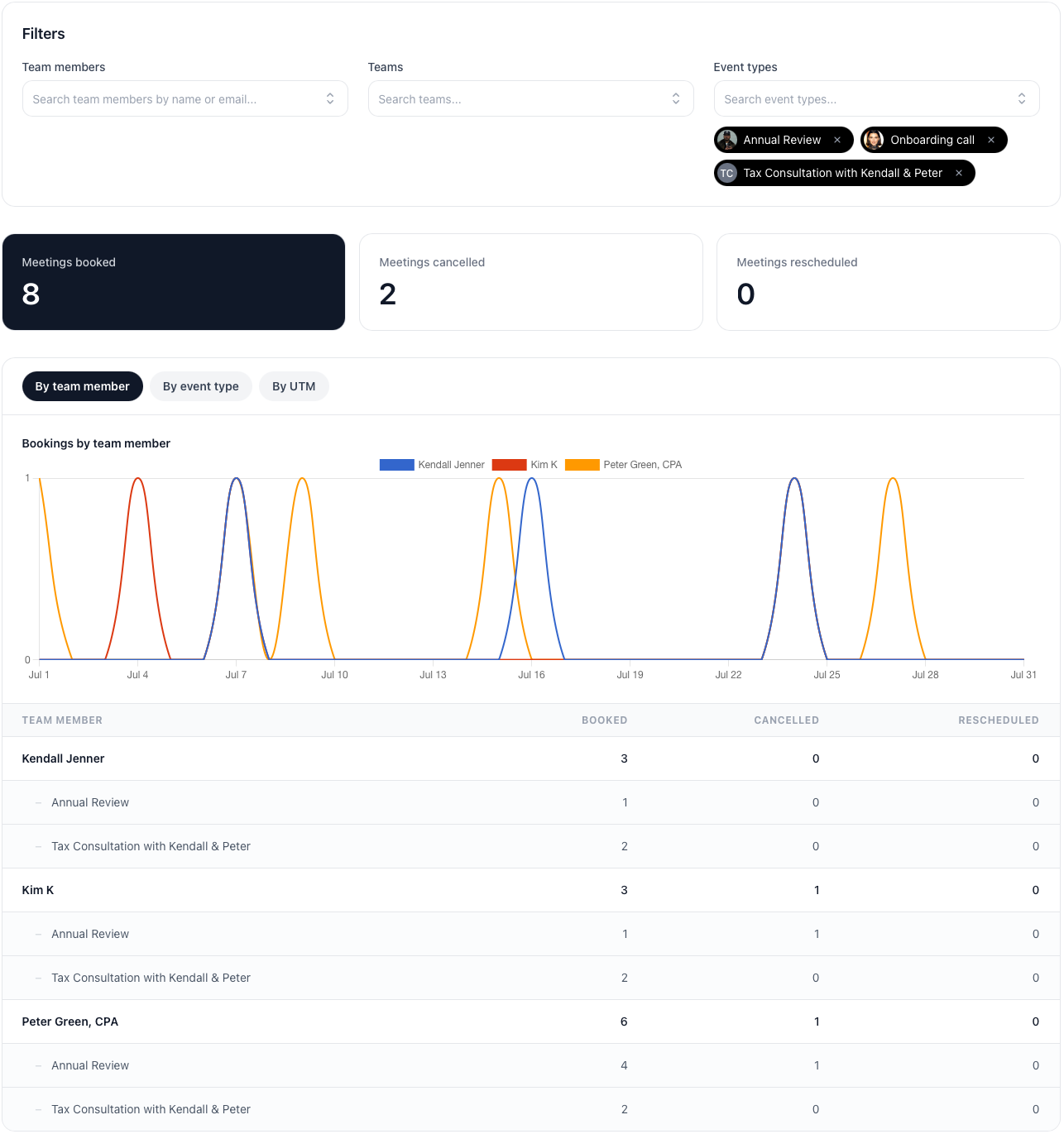
Small business owners want to know which staff are getting booked, which appointment types are creating meetings, and whether cancellations or reschedules are rising — without exporting calendars by hand. Booking reports show meetings booked, cancelled, and rescheduled across the business.
- Break down activity by person or booking page.
- Switch between team member and event type views, with trend charts and nested rows that show where meetings are coming from.
- Filter by timeframe, team, or event type.
- Review this week, last month, all time, or a custom range — and narrow the report to the people or booking pages you care about.
- Export and save the views you revisit.
- Download CSV for leadership updates, or save filter presets when you check the same numbers every week.
Small business workflows
How growing small businesses set up client booking, team routing, and follow-up appointments
Appointment scheduling software for small business should match how you actually operate — not just list features. Each workflow below covers a common scheduling problem and how calendr.so supports it.
Designed to be simple for clients
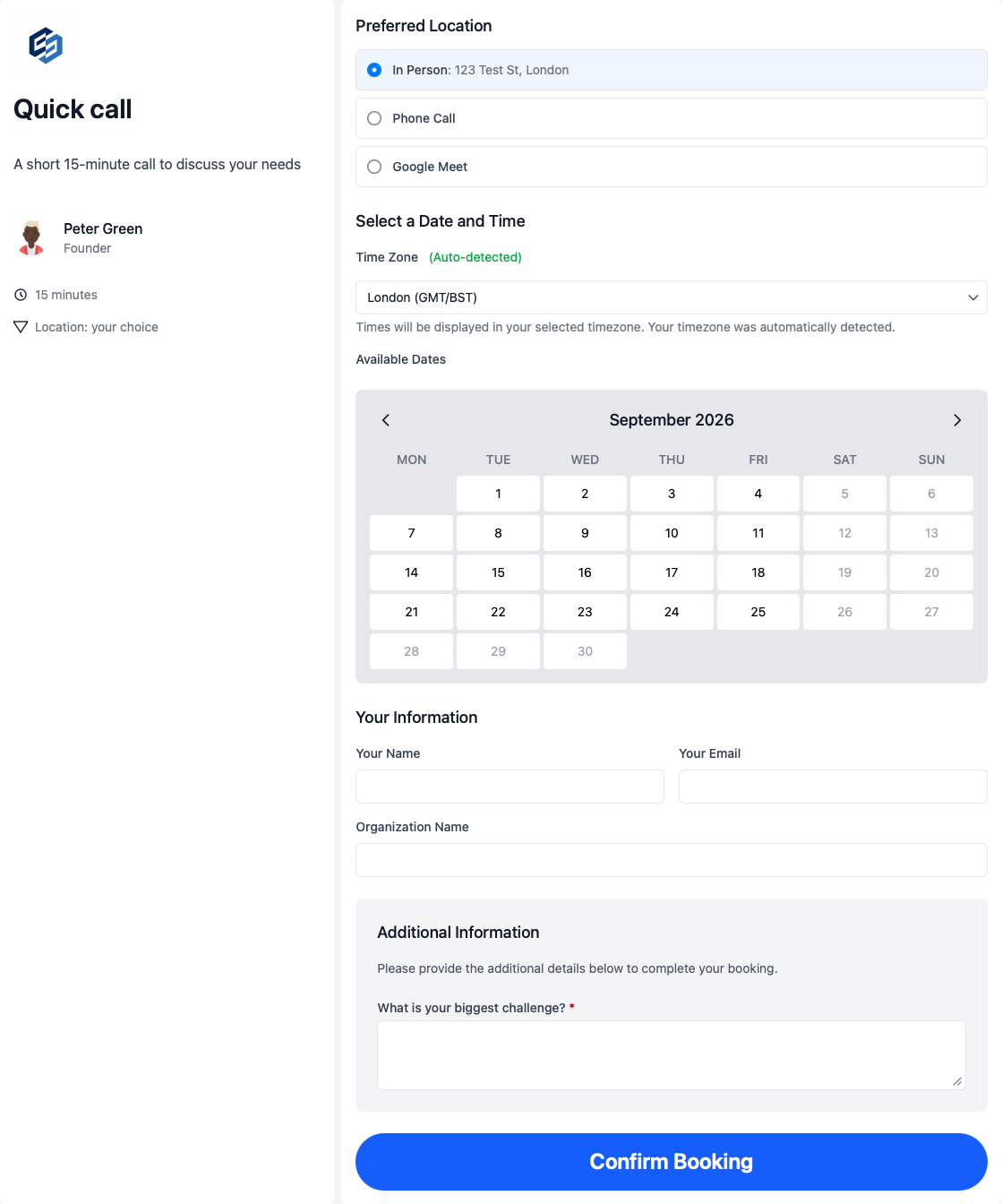
Make it easy for clients to book consultations, onboarding calls and new enquiries...
Give clients and prospects a clear route to book the right first conversation — whether that is a consultation, demo, onboarding call, or follow-up appointment.
- Collect context before the meeting.
- Use Booking forms so every appointment arrives with useful information.
- Put booking where customers already are.
- Use Embeddable booking pages on service pages, contact pages, and landing pages.
- Make the next step obvious.
- Clear booking pages explain what is being booked, who it is with, and what happens next.
- Give clients a choice.
- Allow clients to select the meeting location when it makes sense - video call, meet in person or quick phone call.
- Mobile & desktop friendly.
- Offer a professional experience on all devices so you can confidently share booking links in emails, chat, or work templates.
Easy to manage & scale
A booking system admins can quickly update as the team evolves
As staff increases, scheduling cannot depend on one person remembering to send a link. Route enquiries across the team while keeping Availability management tight enough to protect focus time.
- Standardise meeting types.
- Keep consultations, follow-ups, and handoffs as booking pages teams can use to keep the client experience consistent rather than chasing individuals to make changes they will never prioritise.
- Distribute appointments fairly.
- Use Round robin scheduling instead of relying on one shared inbox or calendar.
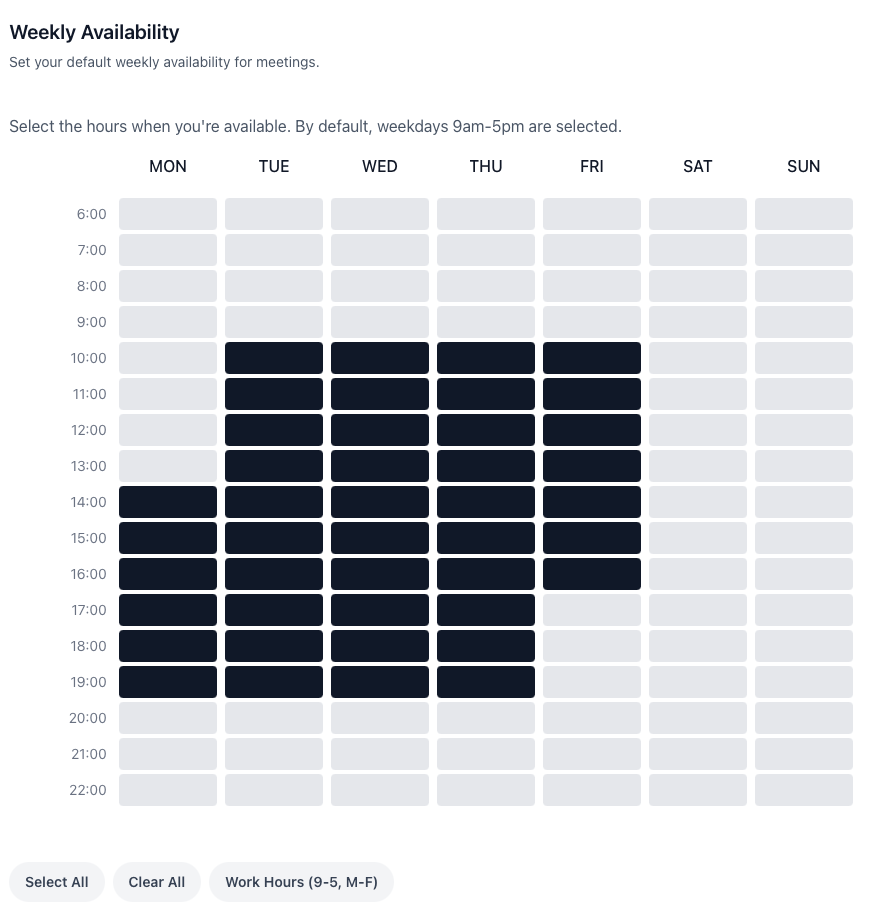
- Set buffers and working hours.
- Control when each appointment type can be booked so meetings do not take over the day.
- Flexible availability controls.
- Control availability at the team, meeting type, or personal level — whatever makes sense for your team.
Empowering your team to work together
Clients can schedule meetings with multiple team members without you losing control
Some appointments need an owner plus a specialist, a sales handoff, or two people from the same service business scheduling workflow. Clients should not wait while you compare calendars by hand.
- Check everyone's availability at once.
- Use Multi-host booking when more than one person needs to attend.
- Support sales and service handoffs.
- Whether you run sales team scheduling workflows or client service appointments, multi-host booking keeps handoffs cleaner.
- Reduce reschedules and confusion.
- Clients only see times when every required person is actually free.
Six small business scheduling workflows at a glance
Each workflow maps a common small business scheduling problem to the calendr.so feature that solves it.
Client consultations and enquiries
- What breaks manually
- Prospects email back and forth or call to find a time while interest drops.
- Calendr feature
- Clear booking pages and embeddable scheduling
Intake before the appointment
- What breaks manually
- Teams chase basic details after the meeting is already on the calendar.
- Calendr feature
- Booking forms and qualifying questions
Growing from one person to a team
- What breaks manually
- Every enquiry lands on the owner or one shared inbox.
- Calendr feature
- Round robin scheduling and team event types
Multi-person appointments
- What breaks manually
- Clients wait while staff compare calendars by hand.
- Calendr feature
- Multi-host booking
Website and campaign booking
- What breaks manually
- Interested visitors have to leave the page to request a time.
- Calendr feature
- Embeddable booking pages
Reporting and visibility
- What breaks manually
- Owners cannot see appointment volume, cancellations, or which pages drive bookings.
- Calendr feature
- Booking reports
How to setup
Get set up in less than 3 minutes
This short walkthrough shows how quickly a small business can get calendr.so working for client appointment booking.
In the video, you will see:
- How to set up a new account
- How to create your first client appointment type
- How to share or embed a booking link
- How to invite team members as you grow
Easy to setup and scale
Start sharing booking pages today and optimise as you grow
A small business does not need to automate every possible meeting on day one. Start with the appointments that create the most chasing, confusion, or delay, then build clear booking pages around those workflows — the same practical approach behind team scheduling as staff numbers grow.
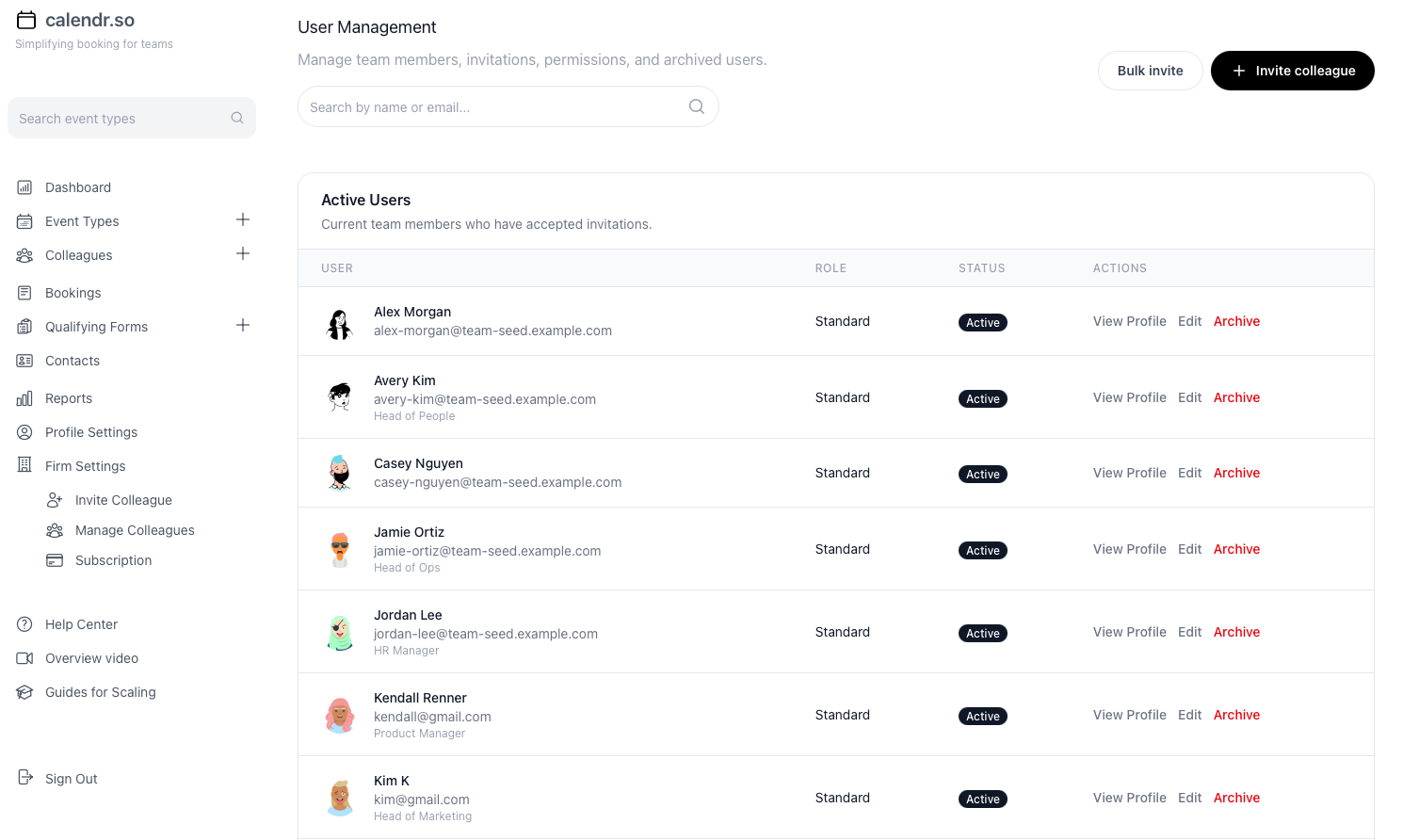
- Clear booking pages
- Explain what someone is booking, who they will meet, how long it will take, and what happens next — or use booking software for small business when the customer-facing reservation experience matters most.
- Forms before booking
- Use Booking forms to collect the context your team needs before the appointment begins.
- Availability controls
- Set working hours, buffers, and meeting-specific rules with Availability management so appointments do not take over the calendar.
- Round robin routing
- Distribute enquiries across available staff using Round robin scheduling as the team grows beyond one shared inbox.
- Multi-host appointments
- Let clients book calls that need more than one person using Multi-host booking.
- A process you can grow into
- Start with one booking page, then expand into more appointment types, team routing, and embedded flows — and review pricing as the team scales.
Special offer — today only
Book a free onboarding call
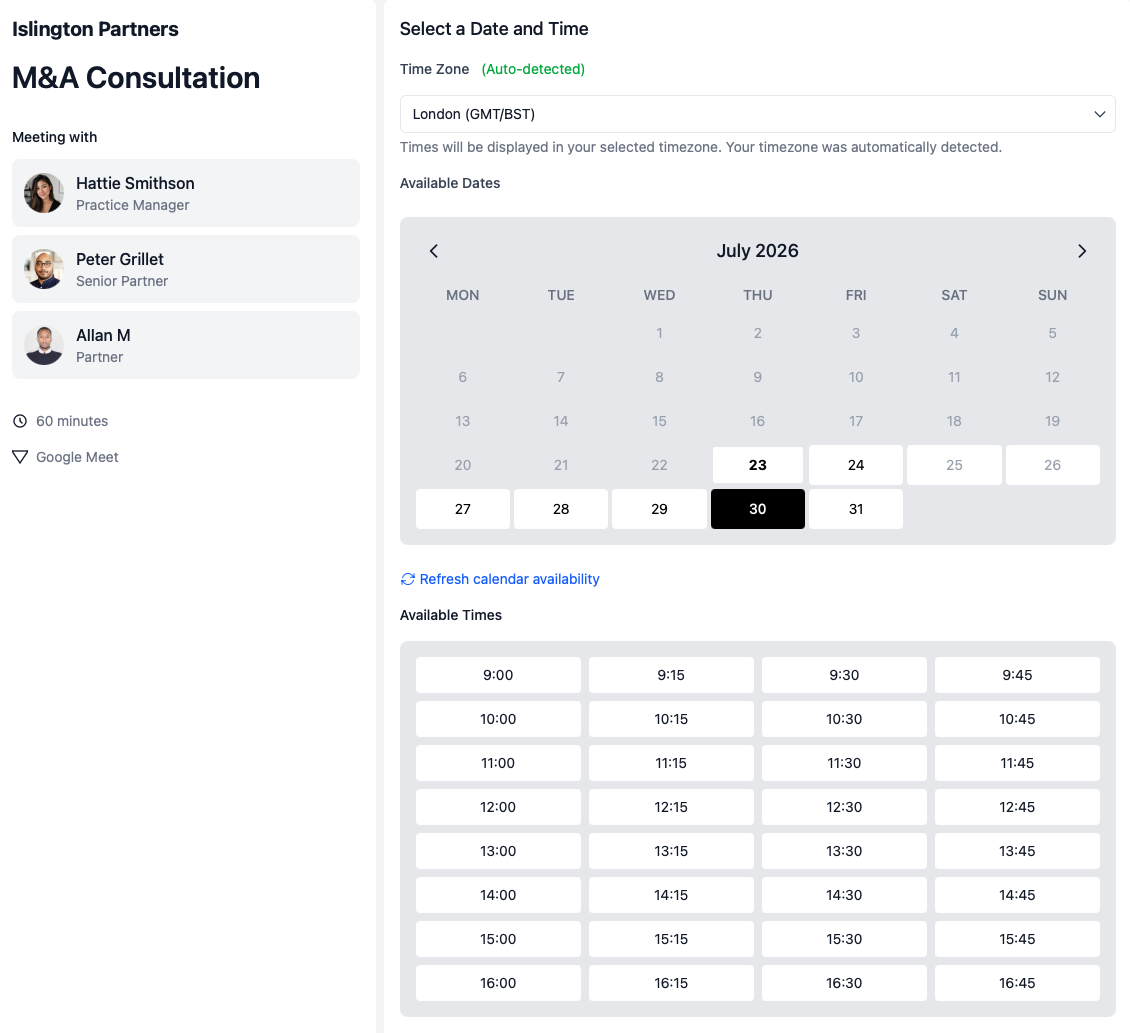
Get a 60-minute walkthrough to set up booking pages, connect your calendars, and get your team scheduling without the guesswork — free, today only.
Pick a time on Peter's calendar and we'll walk through setup live.

Onboarding call with Peter Grillet
60 minutes · Google Meet · Free today only
Small business experience
Trusted by founders, consultants, and growing teams
Whether you run a solo practice or a team of ten, calendr.so helps small businesses offer professional booking without heavy setup, IT projects, or endless email threads.
"I embed calendr.so booking links straight into landing pages and outreach — prospects pick a time without email ping-pong, and I keep control of when I'm actually available."

"Our clients and our team both love it — it saves time in the booking process and gets rid of the back-and-forth."

"Multi-host booking pages mean clients can schedule workshops when every facilitator is free — one link, no internal calendar coordination, and a smoother experience for everyone."

"You don't need to be technical to get calendr.so working. We had booking pages set up and shared with the team quickly — without IT or a long implementation project."

Sharon De'Athe, CPA, CGA
Partner at WL Buck
"I've installed calendr.so with several sales teams because it's easy to deploy, and the reporting gives marketing real visibility into which campaigns are turning into booked meetings."

"We rolled calendr.so out quickly — Google Calendar sync, team booking pages, and multi-host meetings worked out of the box without a heavy IT project or custom integration."

"Standardising our meeting types and having booking reports in one place has dramatically saved time. We spend less time coordinating calendars and more time in conversations that matter."

"Booking reports give me a firm-wide view of what is actually being scheduled — by person and meeting type — without exporting calendars. That's the oversight a growing team needs."


Frequently asked questions
- What is appointment scheduling software for small business?
- Appointment scheduling software helps small businesses let clients and prospects book meetings online without manual calendar checks, email back-and-forth, or rebuilding the same booking process for every enquiry. For one person, that might mean a simple booking page. For a growing team, it usually needs routing, forms, availability controls, multi-host booking, and reporting.
- How is appointment scheduling software different from a basic booking link?
- A basic booking link works for one person sharing personal availability. Appointment scheduling software for small business adds team-controlled workflows: standardised booking pages, forms before meetings, round robin routing as staff grow, multi-host appointments, fallback when people leave, and reporting on what is actually being booked.
- Can we start with one booking page and expand later?
- Yes. Most small businesses begin with the appointment types that create the most chasing or delay, then add more booking pages, forms, and team routing as the business grows.
- Can we collect information before an appointment?
- Yes. Booking forms let you gather the context your team needs before the meeting instead of chasing details afterwards.
- Can meetings route across team members as we hire?
- Yes. Round robin scheduling distributes appointments across available staff so booking does not depend on one person's calendar.
- Can clients book without seeing our full calendars?
- Yes. Availability controls let you share only the booking windows customers should see while protecting focus time and internal meetings.
- Can we embed booking on our website?
- Yes. Embeddable booking pages let clients and prospects schedule directly from service pages, contact pages, and landing pages.
- Can small business owners report on booked and cancelled appointments?
- Yes. Booking reports show meetings booked, cancelled, and rescheduled by team member and booking page, with filters for timeframes and export when you need a clearer view of appointment volume.
Build a streamlined appointment scheduling process
Create booking pages that match how your small business works, then add team routing and reporting as you grow.
No credit card required
Blog
More ways calendr.so can help client-facing teams

Google Calendar Appointment Schedule vs a Proper Booking Tool
Google Calendar Appointment Schedule is a useful option when one person needs a simple booking page. It starts to feel limited when a growing team needs consistent meeting types, multi-person availability, lead routing, controlled booking links, and reporting that goes beyond checking individual calendars.

How Event Types Make Interview Scheduling Easier for Hiring Teams
Interview scheduling gets messy when every stage is treated like the same calendar link. This video shows how different event types can help hiring teams manage screening calls, hiring manager interviews, final interviews, required hosts, fallback options, and ad hoc meetings without rebuilding the process in email every time.

Appointment Scheduling Software for Client-Facing Teams: A Calendr.so Overview
If your team books sales calls, onboarding sessions, support reviews, legal appointments, or client consultations, a basic booking link can start to create more admin than it removes. This video walkthrough shows how calendr.so helps client-facing teams control meeting types, find the right colleague's link, coordinate multi-person meetings, and report on booking activity without turning scheduling into another spreadsheet.