

Qualifying forms
Qualifying forms that route prospects before they book
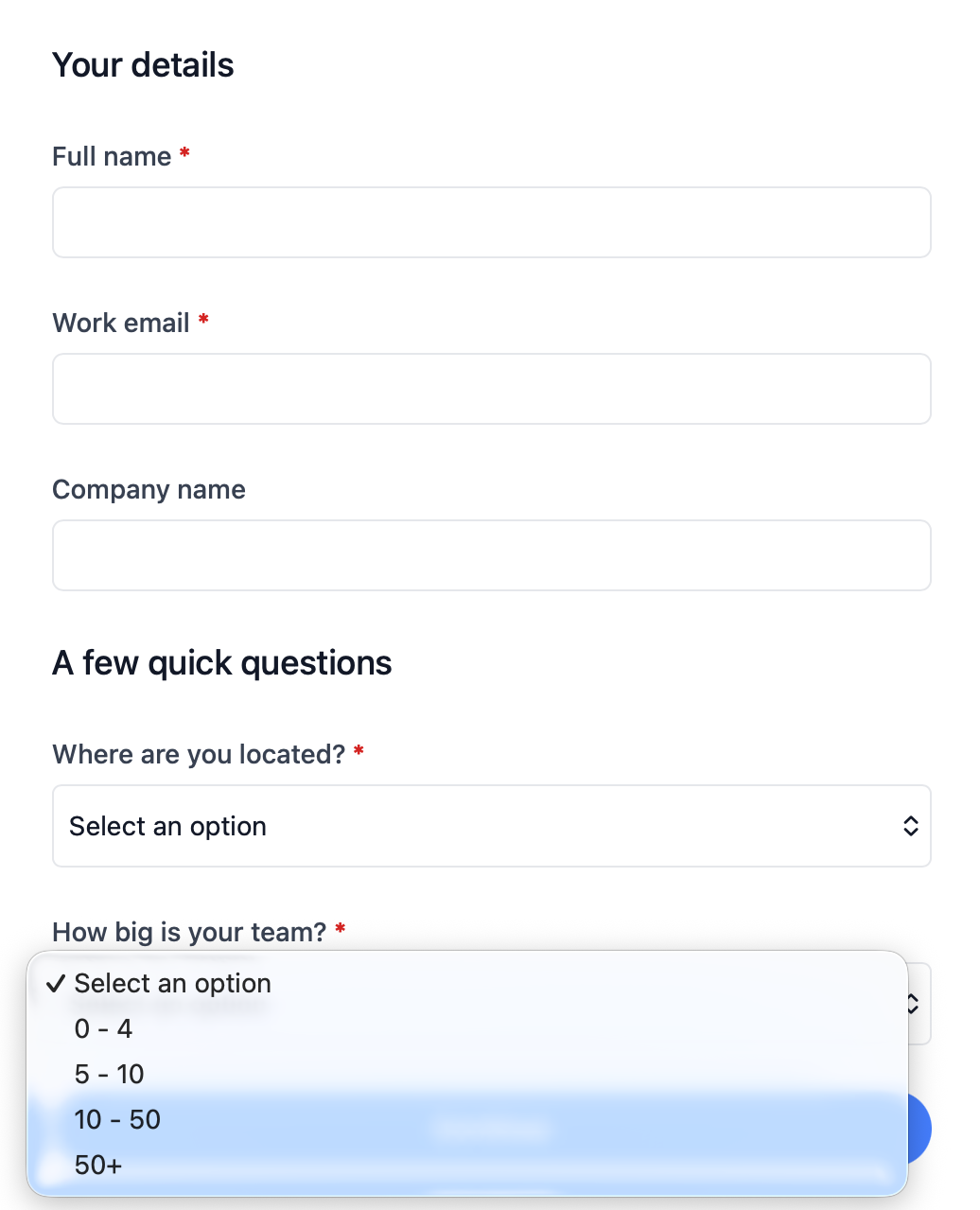
Qualifying forms let you ask a few targeted questions upfront, then send each prospect to the right booking page, message, or external link based on their answers.
The operating problem
Why one booking link is not enough for inbound demand
When every prospect lands on the same booking page, the wrong people get through. Sales teams waste time on poor-fit calls, advisors spend reviews on clients who needed a different service, and support queues fill with requests that should have been routed elsewhere.
Manual triage over email does not scale either. Qualifying forms give you a dedicated intake step on your branded booking subdomain, so prospects answer a few questions first and only reach the booking flow that fits.
How it works
Ask questions once, then route each answer to the right outcome
Build a standalone qualifying form, define the outcomes you want, and set routing rules that decide where each prospect should go next.
Custom intake questions
Add text, number, dropdown, yes/no, and multiple-choice questions so you can learn what you need before deciding the next step.
Rules based on qualifying answers
Mark dropdown, yes/no, multiple-choice, or number fields as qualifying questions, then route prospects when all conditions in a rule match.
Booking pages or external links
Send matched prospects straight to a booking page, or to a custom message and external URL when scheduling is not the right next step.
Submission tracking
Review who submitted, which outcome they matched, and whether they went on to book, with answers saved alongside the contact record.
Use cases
Where qualifying forms keep the wrong meetings off the calendar
Sales and inbound demo routing
Sales teams can ask about company size, use case, or budget band, then send enterprise prospects to a senior rep, SMB leads to round robin scheduling, and early-stage enquiries to helpful resources instead of live calls.
Accounting and advisory intake
Appointment scheduling for accountants often needs to separate tax returns, bookkeeping, and advisory work before someone picks a time. Qualifying forms route each service line to the right booking page or team member profile.
Support versus onboarding handoffs
Customer success teams can distinguish new customers who need onboarding from existing users who need help, then send each group to the right multi-host booking page or external help resource.
Works with calendr.so
Qualifying forms sit before the rest of your scheduling workflow
Use qualifying forms when you need routing logic before someone reaches a booking page. Pair them with booking forms when the team still needs extra intake questions after the prospect lands on the right meeting type.
Outcomes can point to any event type your firm already runs, including team pages managed through team management. When a prospect books after qualifying, their name, email, and company details carry into the booking flow so they do not have to re-enter basics.
Share the qualifying form from campaigns, email signatures, or your website alongside embeddable booking pages, then review submissions and booking activity together. See how qualifying forms fit with other confirmed capabilities on the features overview.
Frequently asked questions
- What are qualifying forms in calendr.so?
- Qualifying forms are standalone intake pages where prospects answer a few questions before scheduling. Based on their answers, calendr.so sends them to the right booking page, a custom message, or an external link.
- How are qualifying forms different from booking forms?
- Booking forms collect details during a booking flow on a specific meeting type. Qualifying forms run first as their own step, then route people to different outcomes before or instead of booking.
- What types of questions can be used for routing?
- Dropdown, yes/no, multiple-choice, and number questions can be marked as qualifying questions and used in routing rules. Other question types can still collect useful context on the form.
- Where can a qualifying form send someone after they submit?
- Each outcome can send prospects to a calendr.so booking page or to an external URL with a custom headline and message. When the outcome is a booking page, contact details carry into the booking flow.
- Can I track who completed a qualifying form?
- Yes. Submissions are saved with the answers, the outcome they matched, and whether they went on to book. Responses also create or update contacts in your calendr.so account.
- Do qualifying forms work with team scheduling features?
- Yes. Outcomes can point to different event types, including round robin pages, multi-host booking pages, and other booking flows your team already uses.
Route prospects to the right next step before they book
Create qualifying forms that ask the questions that matter, then send each prospect to the booking page, message, or link that fits.
No credit card required