
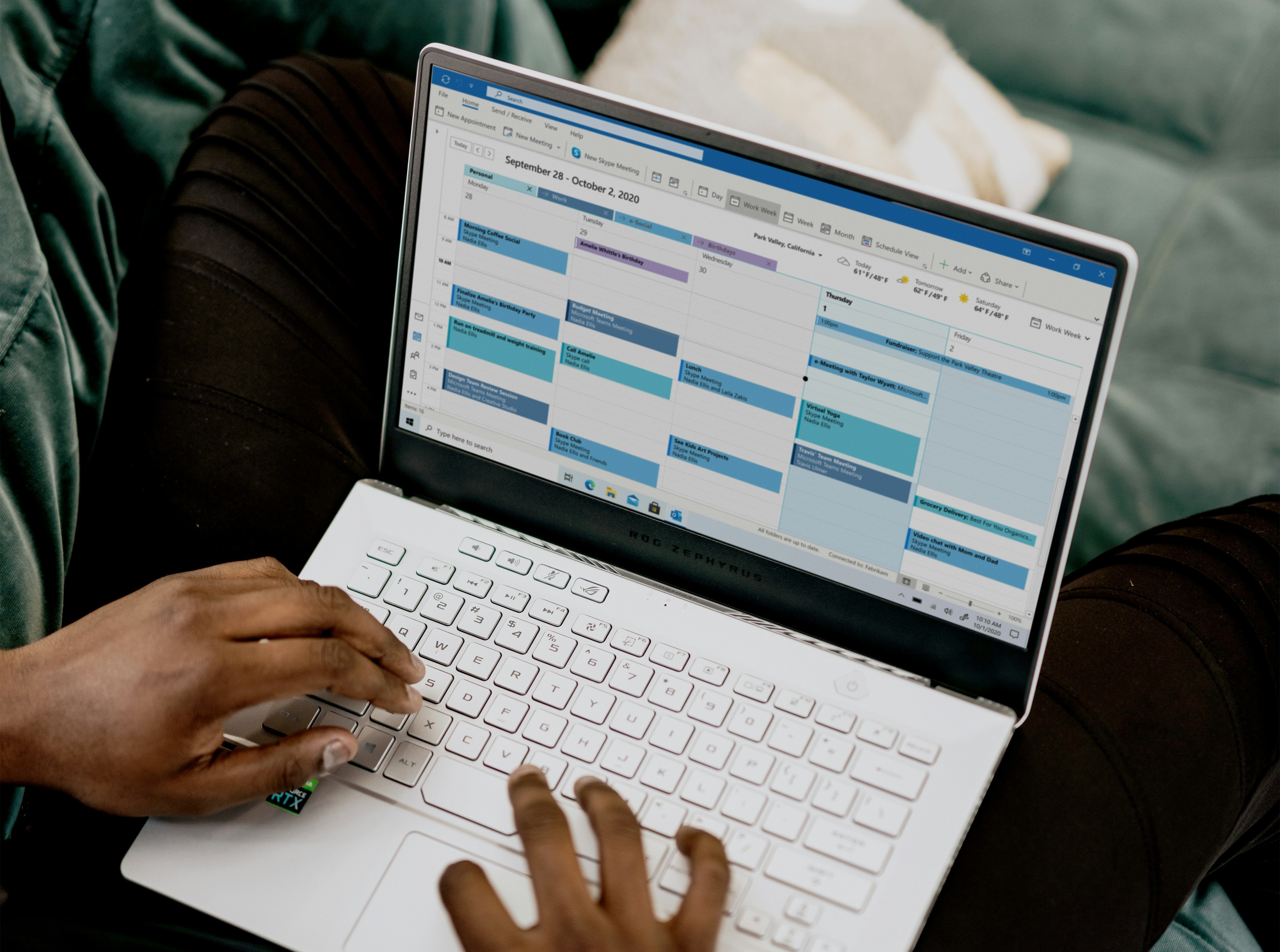
Connect Multiple Calendars (Google + Microsoft)
Keep your availability accurate across all calendars, choose where bookings are written, and make sure attendees get calendar invites too.
23 Jun 2026 · by Peter Grillet
If you use more than one calendar, connecting all of them helps prevent double bookings and keeps everyone aligned.
Why connect multiple calendars
Connecting multiple calendars is useful when you:
- Use both Google and Microsoft 365 accounts
- Have separate work/personal calendars
- Want bookings created in more than one calendar
- Need accurate availability based on all connected calendars
calendr supports multiple connected accounts, including multiple Google accounts and Microsoft accounts.
How to connect multiple calendars
- Go to Profile Settings.
- Open Calendar Connections.
- Click Manage Calendar Connections (or Connect Calendars if none are connected yet).
- Connect:
- Google Calendar
- Office 365 / Microsoft
- Repeat the connection flow for any additional accounts.
How availability works
When calendars are connected and active, calendr checks connected calendars to detect busy times, so your booking links only offer slots when you are available.
Choose where bookings are created
You can control where booking events are written in two ways:
1) Global default forwarding (Profile Settings)
In Profile Settings → Calendar Connections, choose which connected calendars should receive new bookings by default.
2) Per-event control (Event Type settings)
Inside an event type:
- Primary Calendar: choose Create event in (host/owner calendar)
- Calendar Forwarding: choose additional calendars to also create the event in
This gives you both a primary host calendar and optional additional calendars for the same booking.
Attendee calendar behavior
When a booking is made:
- The attendee is added to the calendar event invitation (Google/Microsoft event attendee).
- The booking confirmation flow also provides Add to Calendar options (Google, Outlook, Office 365, and .ics download).
- If attendee notifications are enabled, attendees also receive confirmation email updates.
Related help articles
Connect multiple calendars
https://www.loom.com/share/14fbdf832c2e4307bbc07725e6908151 Connect multiple Google or Microsoft calendars to prevent scheduling conflicts across your work and personal commi...
How Admins Can Update Colleague Profiles
Admins can edit core profile details, role, timezone, and weekly availability for colleagues in their firm, with a few important limits.
What You Can Do in Profile Settings
Profile Settings is your control center for your personal details, booking defaults, availability, and calendar behavior.