

For financial advisors
Appointment Scheduling Software for Financial Advisors
calendr.so is financial services scheduling software that helps advisors offer compliant-friendly client booking with professional branding, calendar privacy, and multi-host meetings for prospect consultations and quarterly reviews.
Multi-host Booking - Booking Forms - Branded Booking Pages
Use cases
Scheduling software built for advisory relationships
Financial advisor appointment booking should feel professional from the first click. Clients expect a polished experience, while advisors need control over availability, meeting types, and who joins sensitive conversations.
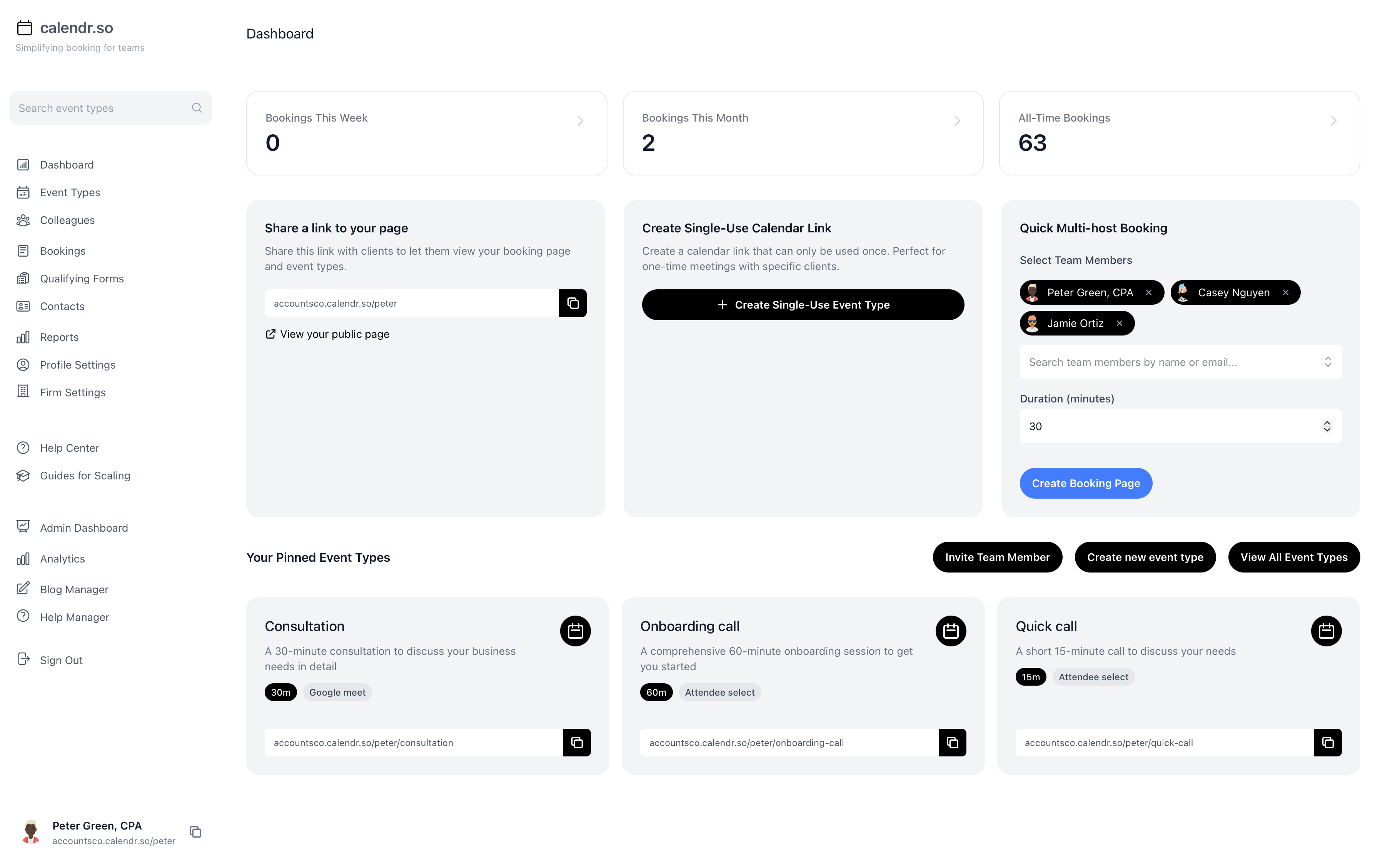
Prospect consultations
Initial discovery and prospect meetings
Give prospects a clear route to book an initial conversation without sending every enquiry through email back-and-forth.
- Control consultation availability.
- Show only the discovery windows you want prospects to book without exposing your full calendar.
- Gather context before the call.
- Use Booking Forms for Client Meetings to collect pre-meeting financial information.
- Present a professional first impression.
- Branded booking pages match the standard clients expect from advisory firms.
Quarterly reviews
Quarterly client review meetings
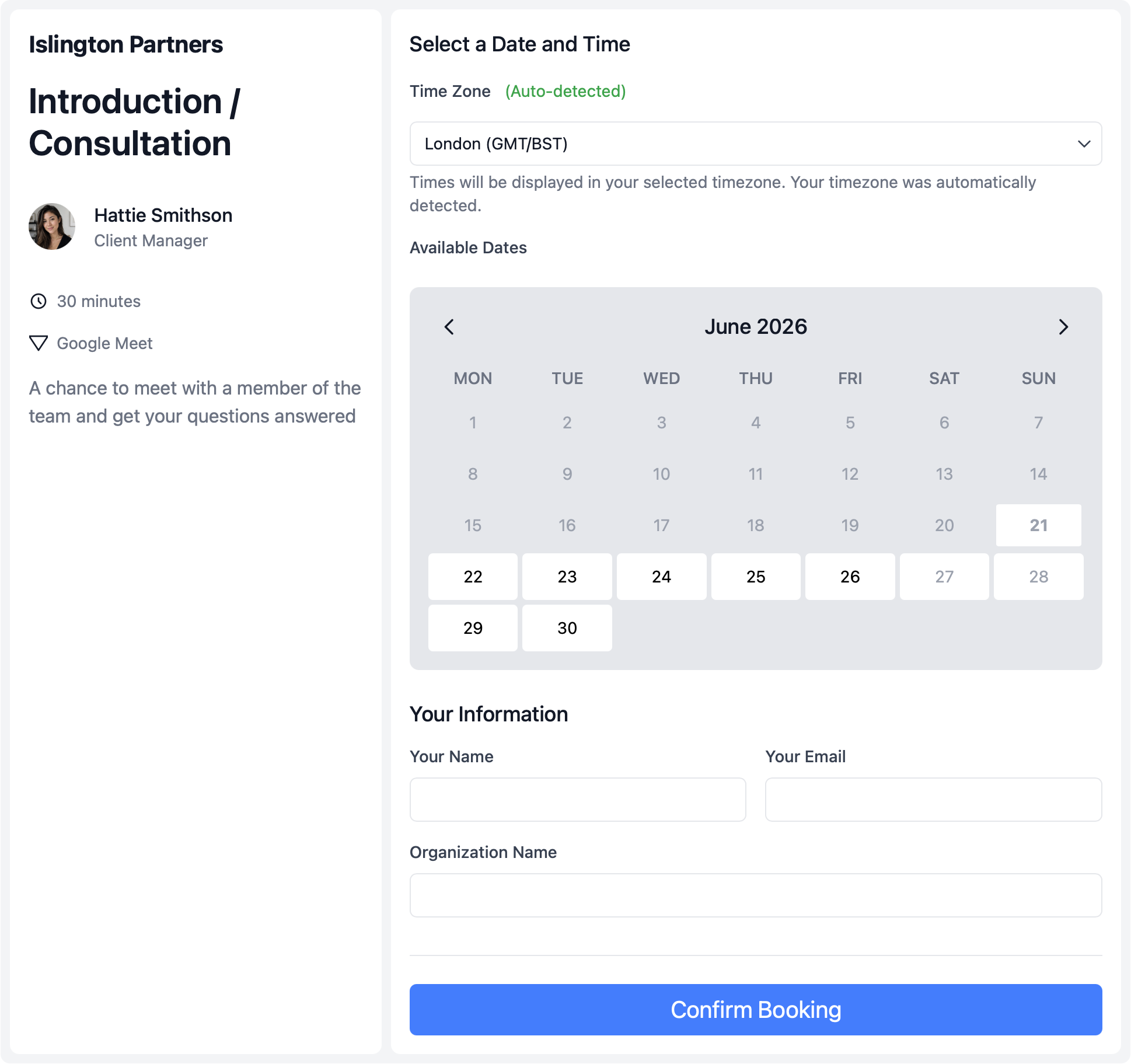
Review meetings often need the lead advisor and a supporting associate in the same conversation. Clients should not wait while admin compares calendars by hand.
- Include advisor and associate availability.
- Use Multi-host Booking Pages when both need to attend.
- Offer the right meeting location.
- Let clients choose in-office, phone, or video when the review type allows it.
- Protect advisor calendar privacy.
- Share only the review slots clients should see during busy planning seasons.
Specialist meetings
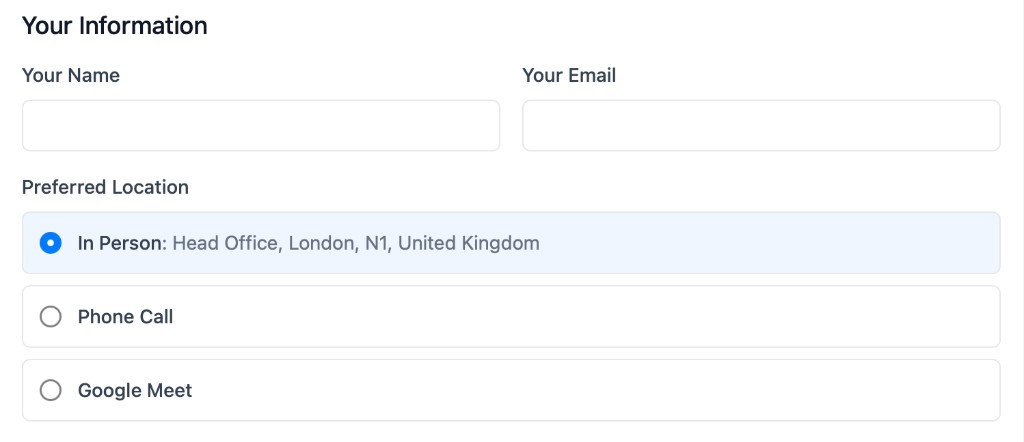
Tax, estate, and planning conversations
Route clients into specialist conversations — including tax and planning topics that often sit alongside Appointment Scheduling Software for Accountants workflows — with the right internal attendees, without creating separate manual scheduling threads for every meeting type.
- Separate meeting types clearly.
- Keep consultations, reviews, and specialist planning calls as distinct booking flows.
- Require the right internal people.
- Clients only see times when everyone required for the meeting is available.
- Start meetings with better context.
- Collect financial context upfront so specialist conversations begin with the right preparation.
Common advisory booking workflows
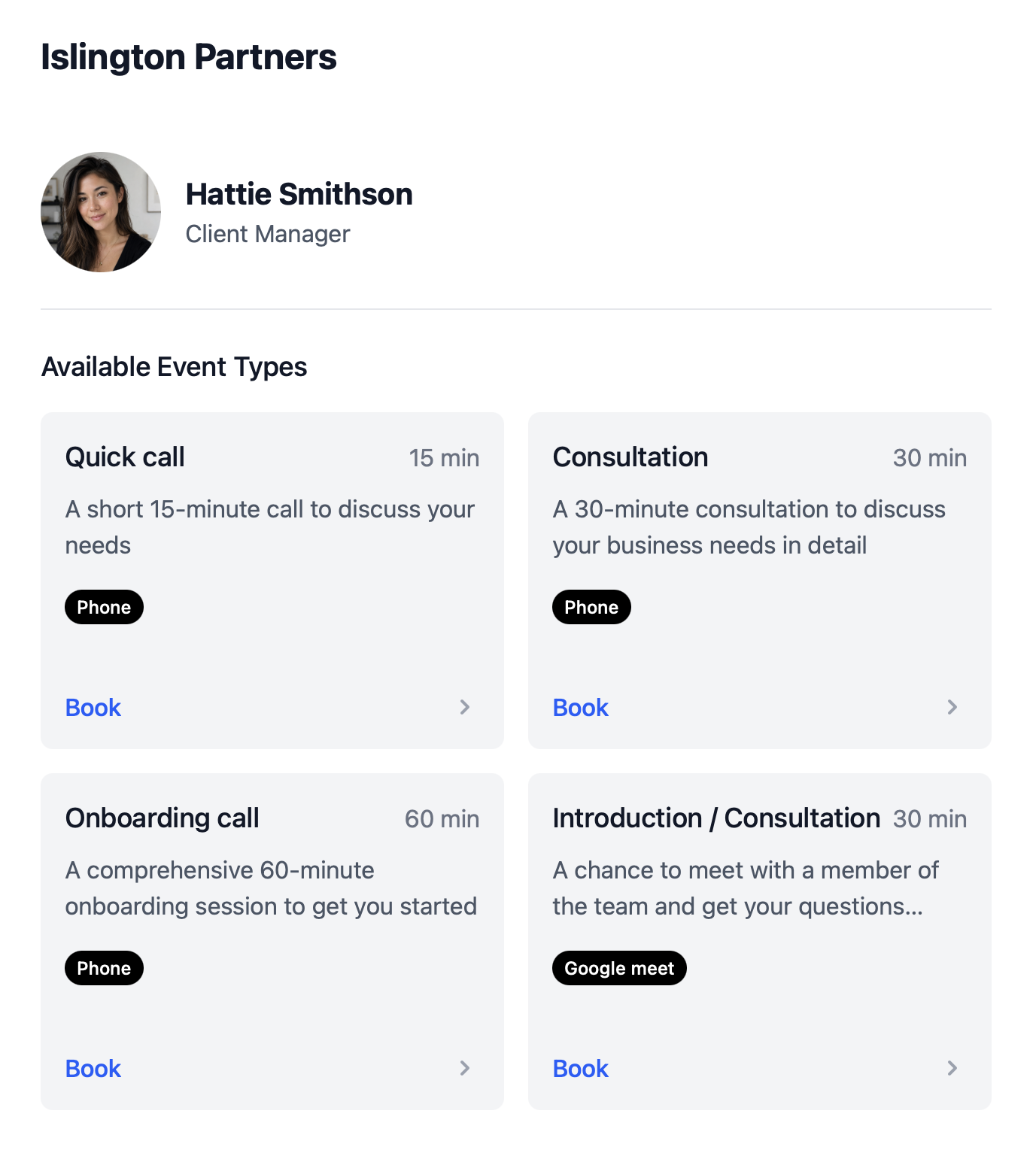
Wealth management scheduling software should support the meeting types advisory firms run most often, with the privacy and polish advisory relationships require.
Prospect consultations
Give prospects a clear route to book an initial conversation without email back-and-forth.
Quarterly client reviews
Use multi-host scheduling when both the lead advisor and supporting associate need to be available.
Specialist meetings
Route clients into tax, estate, or planning conversations with the right internal attendees.
Branded client experience
Present booking pages that match the professional standard clients expect from advisory firms.
Calendar privacy
Share only the availability clients should see while keeping the rest of your calendar protected.
Pre-meeting intake
Collect financial context before the meeting so advisory conversations start with better information.
How to setup
How to get set up in less than 2 minutes 30 seconds
This short walkthrough shows how quickly an advisory team can get calendr.so working for client booking.
In the video, you will see:
- How to set up a new account
- How to create a prospect consultation or review meeting type
- How to share a booking link with clients
- How to invite advisors and support staff
Team management
Set up advisory meeting types once, then keep them consistent across the firm
Most booking tools make every advisor maintain their own links. calendr.so gives wealth management teams a central way to create meeting types, roll them out across advisors and associates, and still let each person control their own calendar — the same Appointment Scheduling Software for Teams approach firms use when several client-facing people need consistent booking flows.
See how Scheduling Features: Multi-Host, Round Robin & More fit together for advisory meeting types, intake, and team routing.
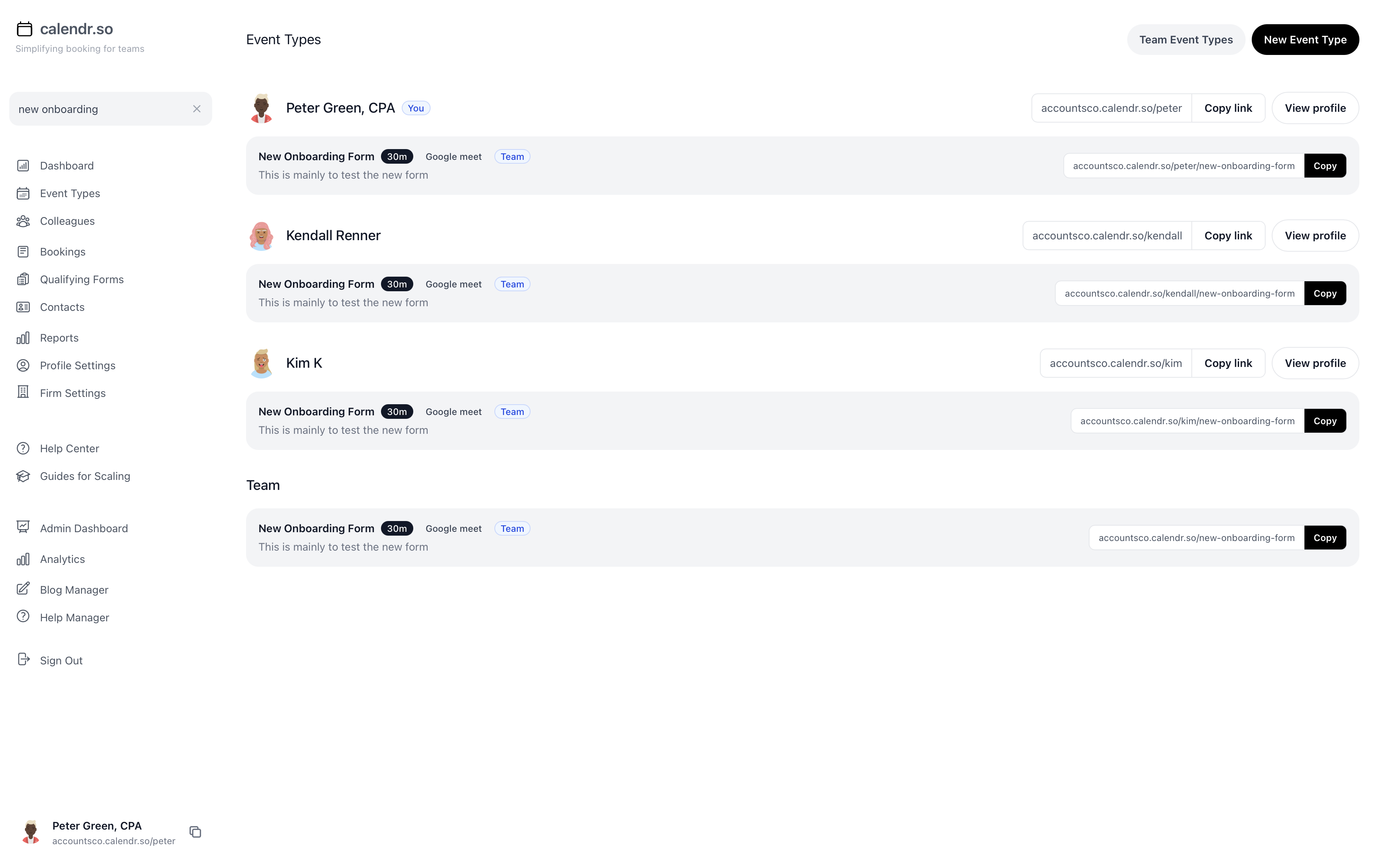
- Multi-host advisory meetings
- Let clients book quarterly reviews and planning conversations that need an advisor and associate using Multi-host Booking Pages, with availability checked for everyone at once.
- Standardise meeting types
- Create firm-approved booking flows for consultations, reviews, and specialist conversations so every client follows the same clear process.
- Pre-meeting financial intake
- Use Booking Forms for Client Meetings to gather the context advisors need before sensitive client conversations begin.
- Connect multiple calendars
- Let advisors connect the calendars they rely on so client-facing availability stays accurate without exposing the whole diary.
- Availability controls
- Protect focus time while keeping professional client booking simple for prospects and existing clients.
- A professional client experience
- Present branded booking pages that match the standard clients expect from advisory relationships.
Share this with the decision maker
Need a firm principal, ops lead, or senior admin to take a look?
Operations and client service teams often spot the scheduling problem before they own the buying decision. Use the button to open an email with a short note and a link to this page.
Share this pageBlog
More ways calendr.so can help client-facing teams

Google Calendar Appointment Schedule vs a Proper Booking Tool
Google Calendar Appointment Schedule is a useful option when one person needs a simple booking page. It starts to feel limited when a growing team needs consistent meeting types, multi-person availability, lead routing, controlled booking links, and reporting that goes beyond checking individual calendars.

How Event Types Make Interview Scheduling Easier for Hiring Teams
Interview scheduling gets messy when every stage is treated like the same calendar link. This video shows how different event types can help hiring teams manage screening calls, hiring manager interviews, final interviews, required hosts, fallback options, and ad hoc meetings without rebuilding the process in email every time.

Appointment Scheduling Software for Client-Facing Teams: A Calendr.so Overview
If your team books sales calls, onboarding sessions, support reviews, legal appointments, or client consultations, a basic booking link can start to create more admin than it removes. This video walkthrough shows how calendr.so helps client-facing teams control meeting types, find the right colleague's link, coordinate multi-person meetings, and report on booking activity without turning scheduling into another spreadsheet.
Frequently asked questions
- Can clients book without seeing my full calendar?
- Yes. calendr.so shows only the availability you choose to expose, which helps financial advisors protect calendar privacy while still offering professional client booking.
- Can an associate join quarterly review meetings?
- Yes. Multi-host booking lets clients schedule times when both the advisor and associate are available.
- Can we collect information before a prospect consultation?
- Yes. Booking forms let you gather pre-meeting financial context before the conversation begins.
- Can we offer a branded booking experience for advisory clients?
- Yes. Branded booking pages help wealth management teams present a polished client experience that matches the standard clients expect from advisory relationships.
Give clients a better way to book advisory meetings
Create professional booking pages for consultations, reviews, and specialist conversations.
No credit card required